
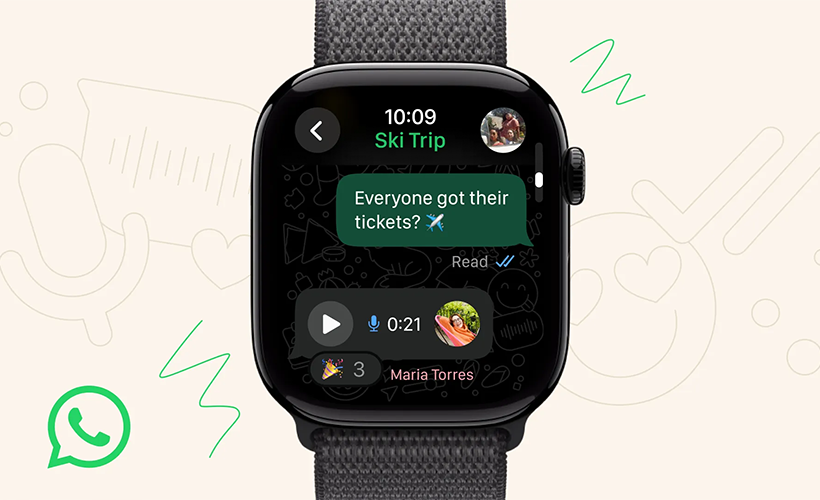
Record and send voice messages on WhatsApp using an Apple Watch: step by step
Users can also receive call alerts and see who is contacting them without using their iPhone. WhatsApp now has its own app for Apple Watch, allowing users to send and read messages, as well as record voice notes directly from the smartwatch. Below is a detailed guide to using these features:
- Open the WhatsApp app on the Apple Watch or access it through a received notification.
- Select the chat you want to reply to.
- Tap the microphone icon or the reply field on the screen.
- Press and hold the record button, or tap it once to start the voice note.
- Speak normally, then press again to finish.
- Confirm the send or cancel it if you wish to re-record.
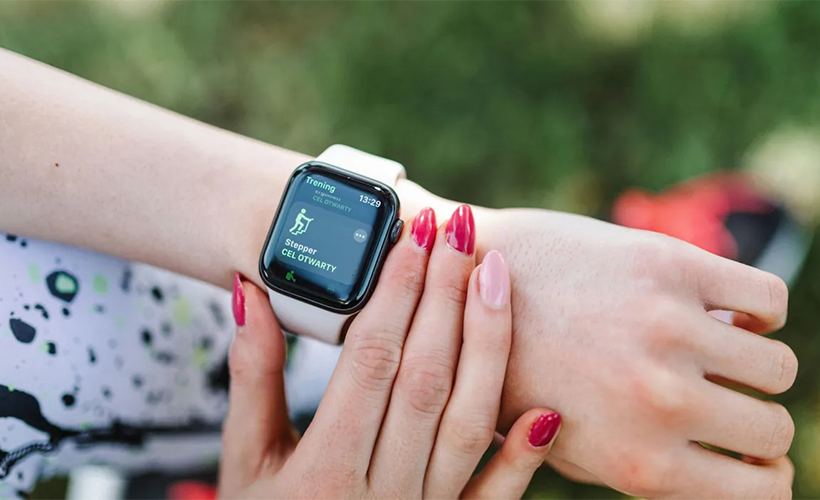
The new WhatsApp app for Apple Watch gives access to multiple features directly from the watch.
What you can do on WhatsApp from an Apple Watch
The new WhatsApp app for Apple Watch gives access to multiple features directly from the watch. Users can receive call notifications and see who is trying to contact them without using their iPhone.
You can also read complete messages—even long ones—comfortably on the Apple Watch screen. In addition, it’s possible to type and send messages or record voice notes directly from the device.
Among the most appealing options are quick emoji reactions to received messages and viewing images and stickers in high quality, enhancing the multimedia experience. The app also lets you review a larger portion of your chat history right on the watch, making it easier to follow conversations at any time.
According to Meta, “this launch is just the beginning, and we’ll continue improving WhatsApp for Apple Watch based on your feedback.”
Compatible Apple Watch models
The WhatsApp app for Apple Watch is available for any Apple Watch Series 4 or newer running watchOS 10 or higher.
How to enable WhatsApp notifications on Apple Watch
First, connect WhatsApp to the Apple Watch. Then follow these steps:
- Turn on Bluetooth on your iPhone.
- Ensure the Apple Watch is connected to Bluetooth, and the iPhone is powered on and within range.
- Turn on WhatsApp notifications in iPhone settings.
- Allow notifications on your iPhone.
- Enable “Allow Notifications” and turn on all alerts.
- Go to the Apple Watch app.
- Tap “Notifications” and scroll to “Mirror iPhone alerts from.”
- Enable “WhatsApp.”
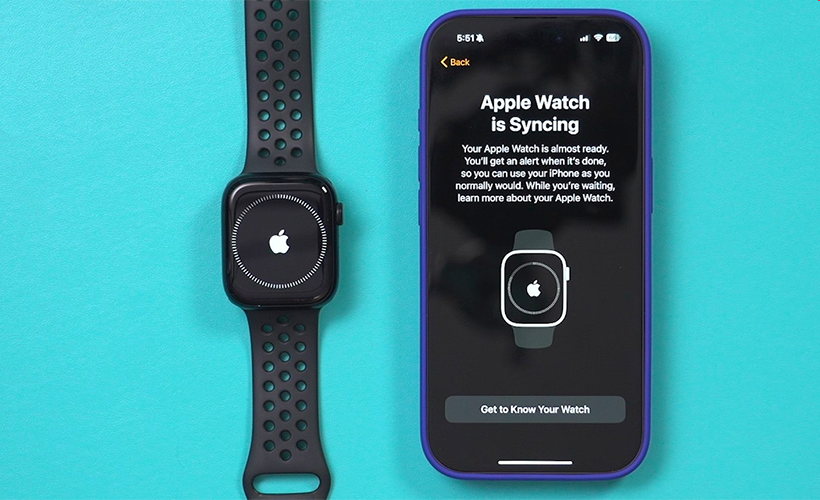
The WhatsApp app for Apple Watch is available for any Apple Watch Series 4 or newer running watchOS 10 or higher.
How to read and reply to notifications
To reply to a notification, tap Reply. There are several ways to do this:
- Tap Suggestions to send an immediate response.
- Write directly on the watch with your finger.
- Tap the microphone to dictate a reply.
- Or tap Dismiss to mark the notification as read and remove it from the screen.
The latest Apple Watch models
Apple recently introduced its new generation of Apple Watch devices. The Apple Watch Series 11 features a display with ten times greater durability and an improved health system capable of detecting hypertension and sending alerts, available in over 150 countries.
The Apple Watch Ultra 3 stands as the most advanced model, incorporating satellite connectivity for emergency messaging and calls, up to 42 hours of battery life, and a larger, brighter screen.
Meanwhile, the Apple Watch SE 3 is the most affordable option in the lineup, offering core health features, gesture control, multimedia playback, an always-on display, and up to eight hours of battery life with just 15 minutes of charging.
All new models guarantee 24-hour battery life and are made from 100% recycled titanium, reinforcing the company’s environmental commitment.
Links
- Introducing WhatsApp for Apple Watch – WhatsApp Blog
- Sell your pre-owned Apple Watch online – iGotOffer
- Everything About Apple’s Products – The complete guide to all Apple consumer electronic products, including technical specifications, identifiers and other valuable information.
(Official) WhatsApp on Apple Watch! [Video]
Video uploaded by Daniel About Tech on November 4, 2025.



Facebook
Twitter
RSS