
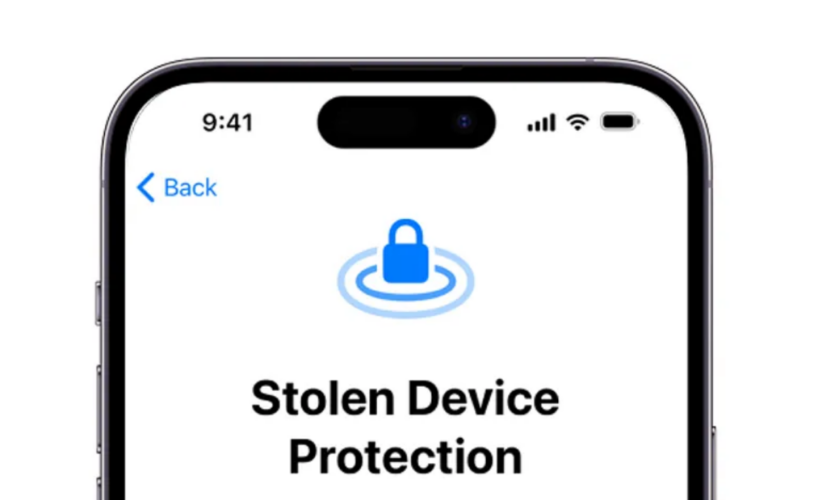
What Functions You Should Have Enabled in Case Your iPhone Is Stolen
The rise in cellphone theft in large cities has made data protection and remote control of the iPhone essential measures to minimize risks.
Basic configuration
The first step is to make sure your iCloud credentials are up to date. This access is essential for using the Find My feature, which allows you to:
- Locate the iPhone in real time and track its movements.
- Make the device play a sound.
- Erase all phone contents remotely, protecting photos, messages, emails, and apps in case of theft.
Another important measure is reviewing which functions remain active when the iPhone is locked. From Settings > Face ID & Passcode, you can disable access to features such as Control Center (to prevent switching to Airplane Mode or cutting the connection), Notification Center and widgets (which may reveal confidential information), the option to reply to messages or return missed calls, and quick access to Wallet.
In this menu you can also enable the automatic data deletion option after 10 failed passcode attempts, creating an extra layer of protection against forced unlock attempts. In addition, Apple allows users to require Face ID or Touch ID to open critical apps — such as social networks or banking apps — further hindering access to sensitive data.
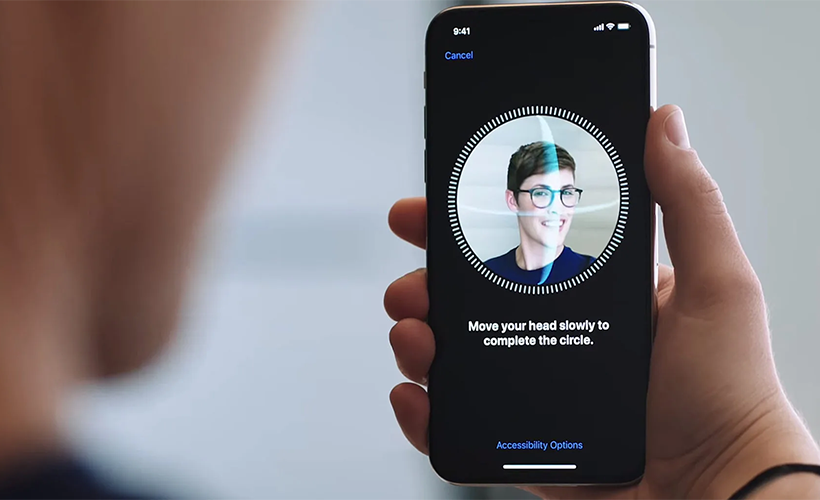
Apple allows users to require Face ID or Touch ID to open critical apps.
Advanced protection
One of the most serious scenarios is when the thief knows your passcode. For these cases, Apple introduced the Stolen Device Protection feature. When activated, the most sensitive system and Apple account actions require mandatory biometric authentication (Face ID or Touch ID), even if the passcode is known.
In certain situations, the system adds a one-hour waiting period before authorizing critical changes, during which a second biometric authentication is required. This window of time allows the user to activate Lost Mode from another device or via iCloud.com before the security settings can be altered.
This protection can be set to activate only outside familiar locations (like home or work) or remain on permanently. Deactivating it also requires biometric authentication and, in some cases, the waiting period.
Lost Mode, available at iCloud.com/find, is the key tool after a theft. It lets you lock your iPhone, iPad, Mac, or Apple Watch, blocking unauthorized access and displaying a custom message on the screen.
The device’s location continues to update on the map, and payment cards and related services are suspended. Although the device stops sending notifications, it can still receive phone and FaceTime calls. Lost Mode can only be deactivated by entering the device’s passcode or through biometric authentication.
These functions don’t prevent theft, but enabling and using them together can significantly reduce its impact, protecting the user’s personal information, digital accounts, and identity in a world where the cellphone has become an indispensable extension of daily life.
Links
- If your iPhone or iPad was stolen – Apple Support
- Sell pre-owned Apple iPhone online – iGotOffer
- Everything About Apple’s Products – The complete guide to all Apple consumer electronic products, including technical specifications, identifiers and other valuable information.
(2025) LOST or STOLEN iPhone?? Here’s What You Need To Do! [Video]
Video uploaded by Daniel About Tech on March 26, 2025.




Facebook
Twitter
RSS